NZCAM, described accurately
For writers, reviewers, directories and anyone describing NZCAM: the one-sentence and one-paragraph descriptions we use ourselves, the facts behind them, logos you may use, and how to reach us.
In one sentence
NZCAM is a real-time face swap, voice cloning and live voice translation app for desktop. One photo becomes a live face swap, a short clip becomes your cloned voice, and your speech can be translated as you talk; one click sends it all into Zoom, Teams, Meet, Discord or any other app as a normal camera and microphone. It runs on any PC: the cloud engine needs no graphics card.
In one paragraph
NZCAM is a desktop application for real-time face swapping, voice cloning and live voice translation. From a single photo it swaps the user's face live on their webcam, keeping their real blinks, smiles and micro-expressions; from a short audio clip it clones a voice and converts the user's speech into it as they talk; and it translates speech live from 57 spoken languages into 63 languages and variants, in a natural voice or the user's own cloned voice. Everything is delivered as a normal camera and microphone, so Zoom, Microsoft Teams, Google Meet, Discord and every other app that can pick a camera or mic uses it with one click and no plugin. It runs on any PC: the cloud engine needs no graphics card, so even a small, low-powered laptop works perfectly, and on the user's own graphics card it uses NVIDIA, AMD and Intel. It runs on Windows 10 and 11, its interface is available in 15 languages, and it is free to download and try, with credit and unlimited plans.
Facts
Everything here is current as of the version shown; the changelog records what each release changed.
| Name | NZCAM (also written NZcam). Two editions: NZCAM Lite and NZCAM. |
|---|---|
| What it is | Real-time face swap, voice cloning and live voice translation app for desktop, output as a virtual camera and microphone |
| Works in | Any app that lets you pick a camera or microphone: Zoom, Microsoft Teams, Google Meet, Discord, WhatsApp, browser calls, streaming and recording software |
| Face swap | From one photo; no dataset, no training; Expression Restorer, enhancers, occlusion handling, reshape, re-age, anime Stylize, cinematic looks |
| Voice cloning | From a short clip; on the user's GPU or on the cloud; Live and Accent modes |
| Voice translation | 57 spoken languages recognised, 63 languages and variants spoken; natural preset voices or the user's cloned voice; cloud-based |
| Platforms | Windows 10 and 11 |
| Hardware | Any PC: the cloud engine needs no graphics card, so even a small, low-powered laptop works perfectly. On your own PC it uses NVIDIA, AMD and Intel graphics |
| Interface languages | 15, including right-to-left layouts |
| Pricing | Free to download and try. Credit plans from US$5 a week; unlimited plans; one-time top-ups. See pricing. |
| Current version | 1.1.1 |
| Website | nzcam.net |
| YouTube | youtube.com/@nzcam-net |
| instagram.com/nzcam_net | |
| TikTok | tiktok.com/@nzcam.net |
| Telegram | t.me/nz_cam |
Logos and screenshots
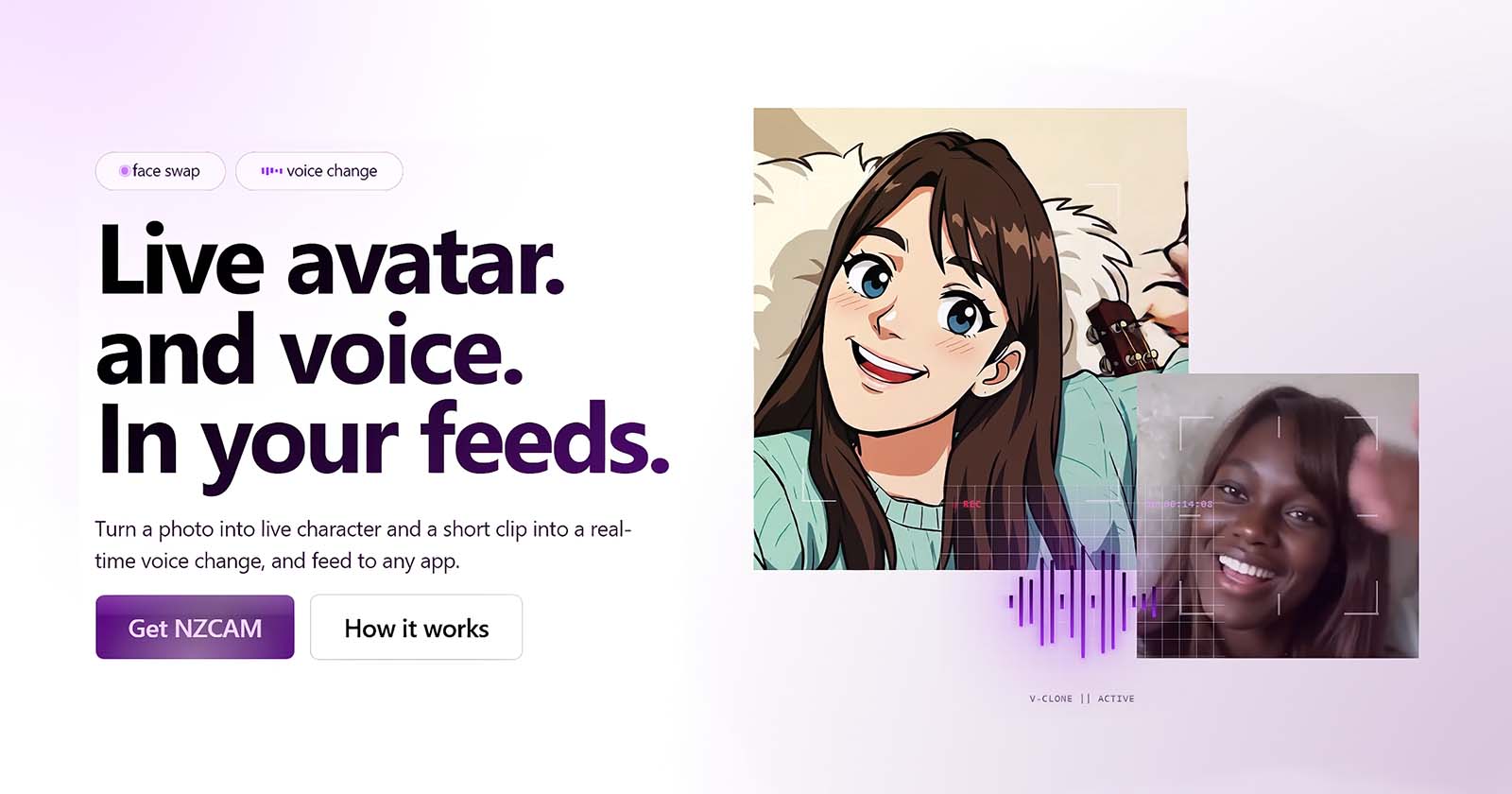
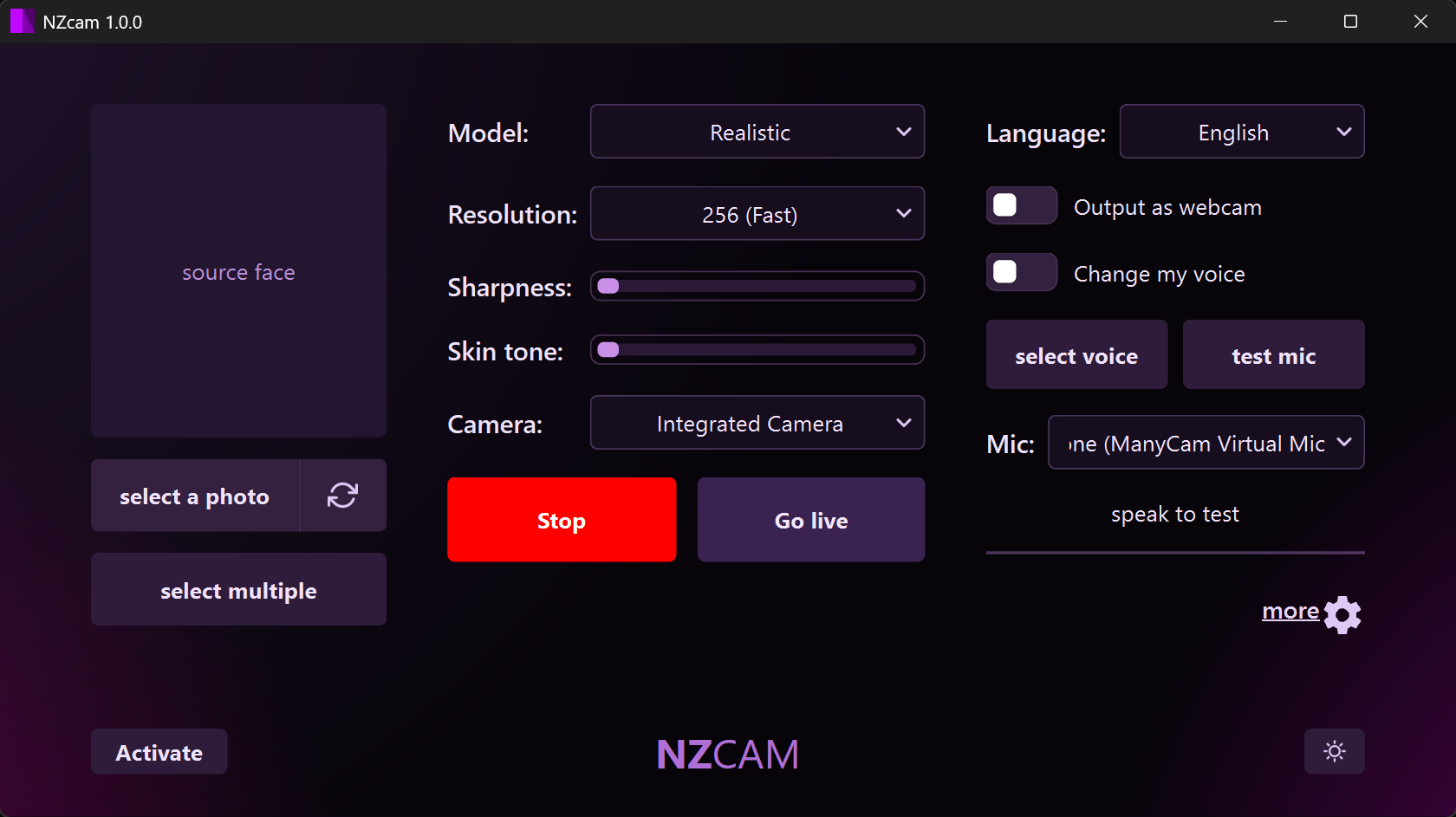
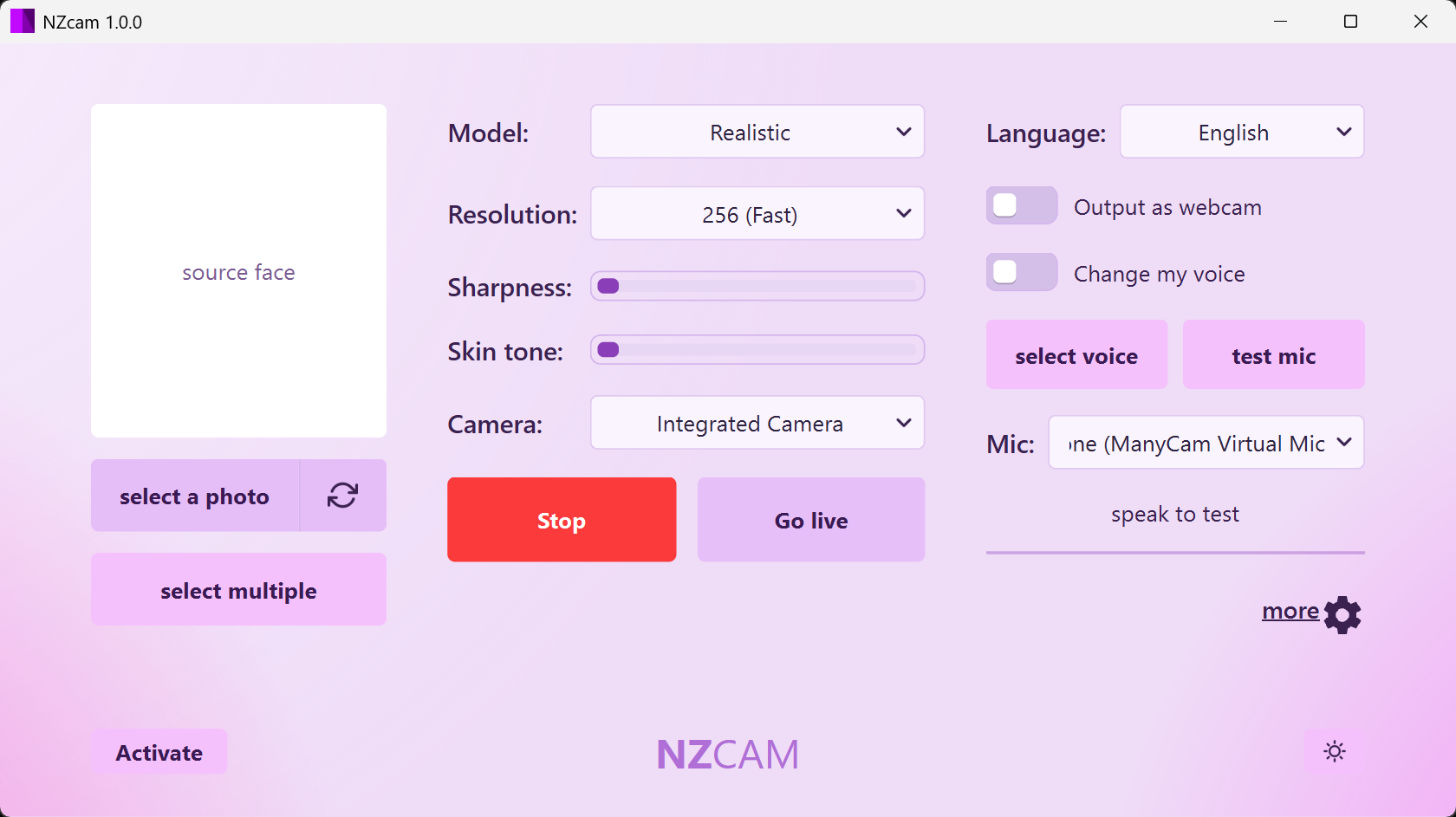
Use them as they are, to refer to NZCAM. Please do not alter the mark or present it as an endorsement.


Contact
Email [email protected], or use the contact form. We respond within one business day, and we are happy to supply a review licence, answer technical questions, or check a draft for accuracy.