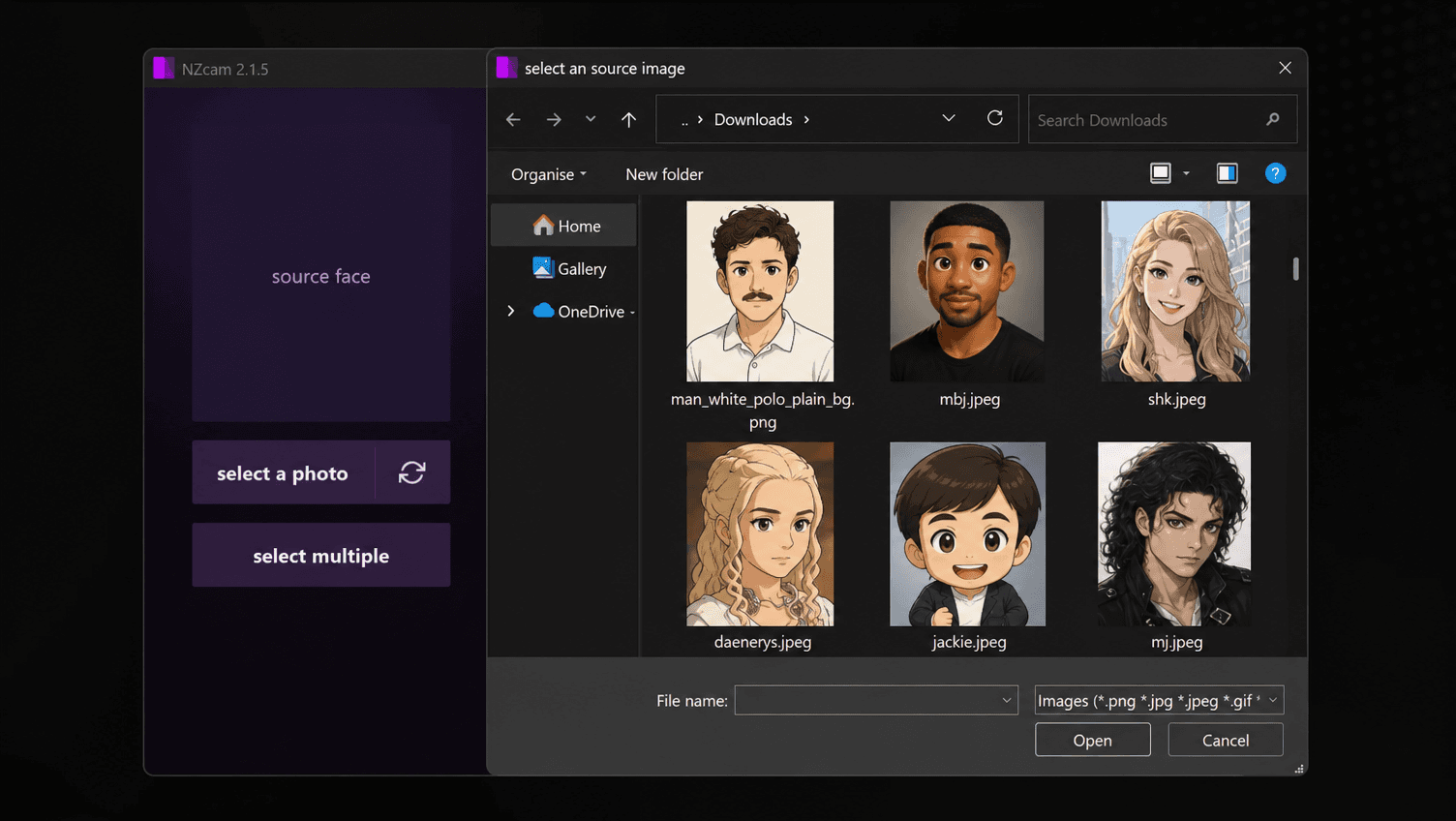
1. Easy to use
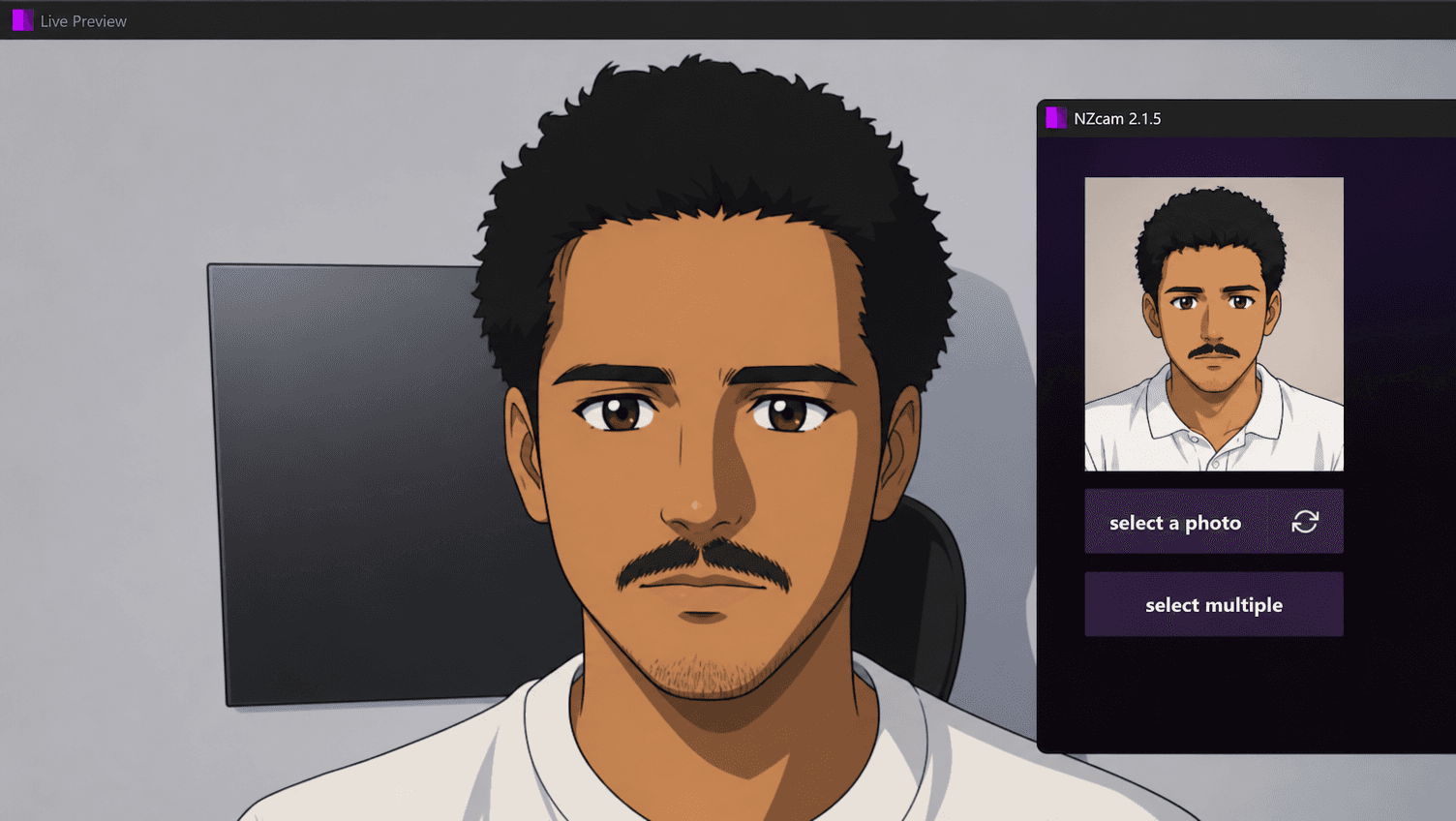
Select a photo, or pick a set of photos. No datasets, no model, no waiting.
Turn a photo into a live character, a short clip into your cloned voice, and speak any of 63 languages as you talk. One click sends it all into any app.

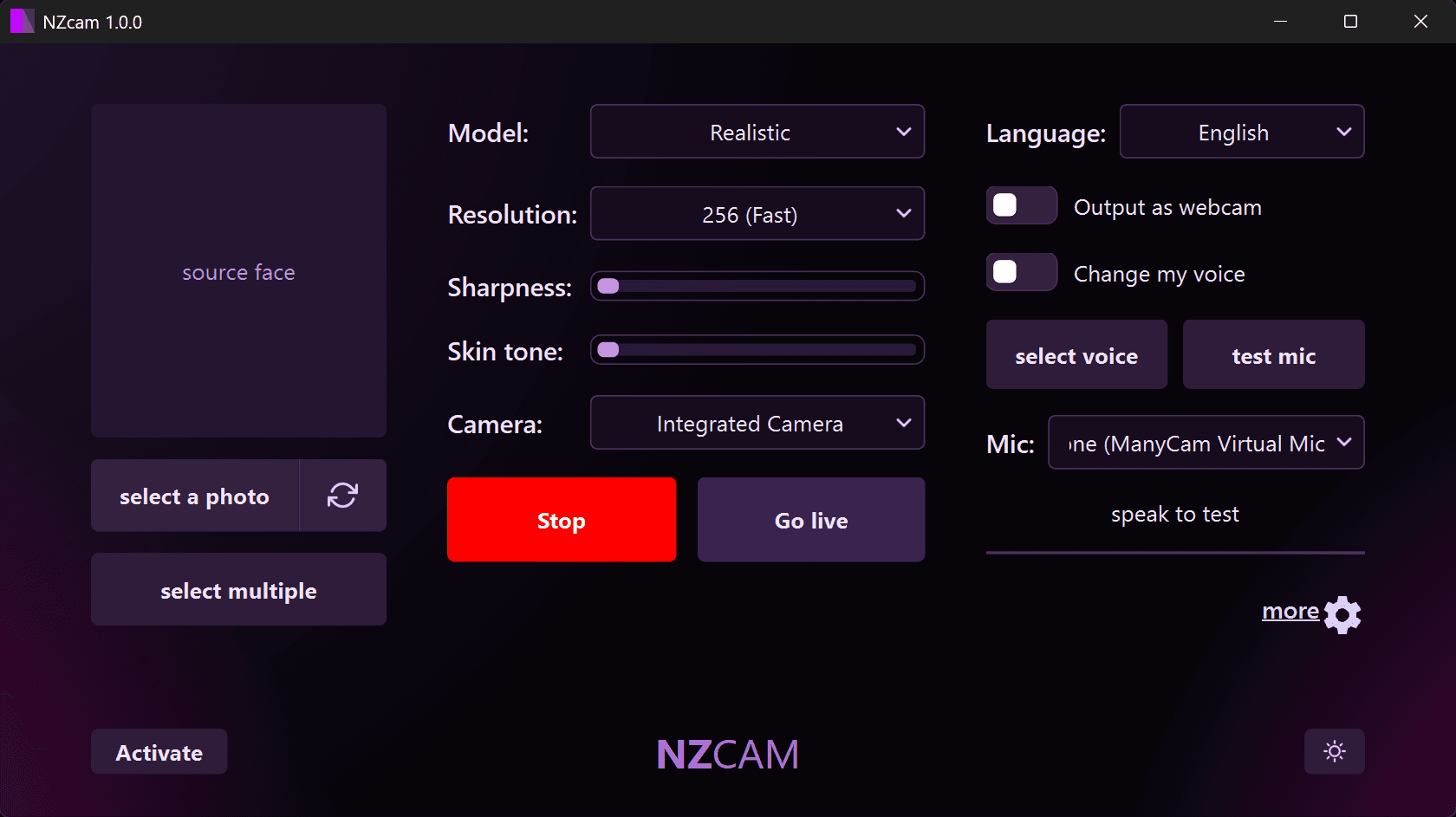
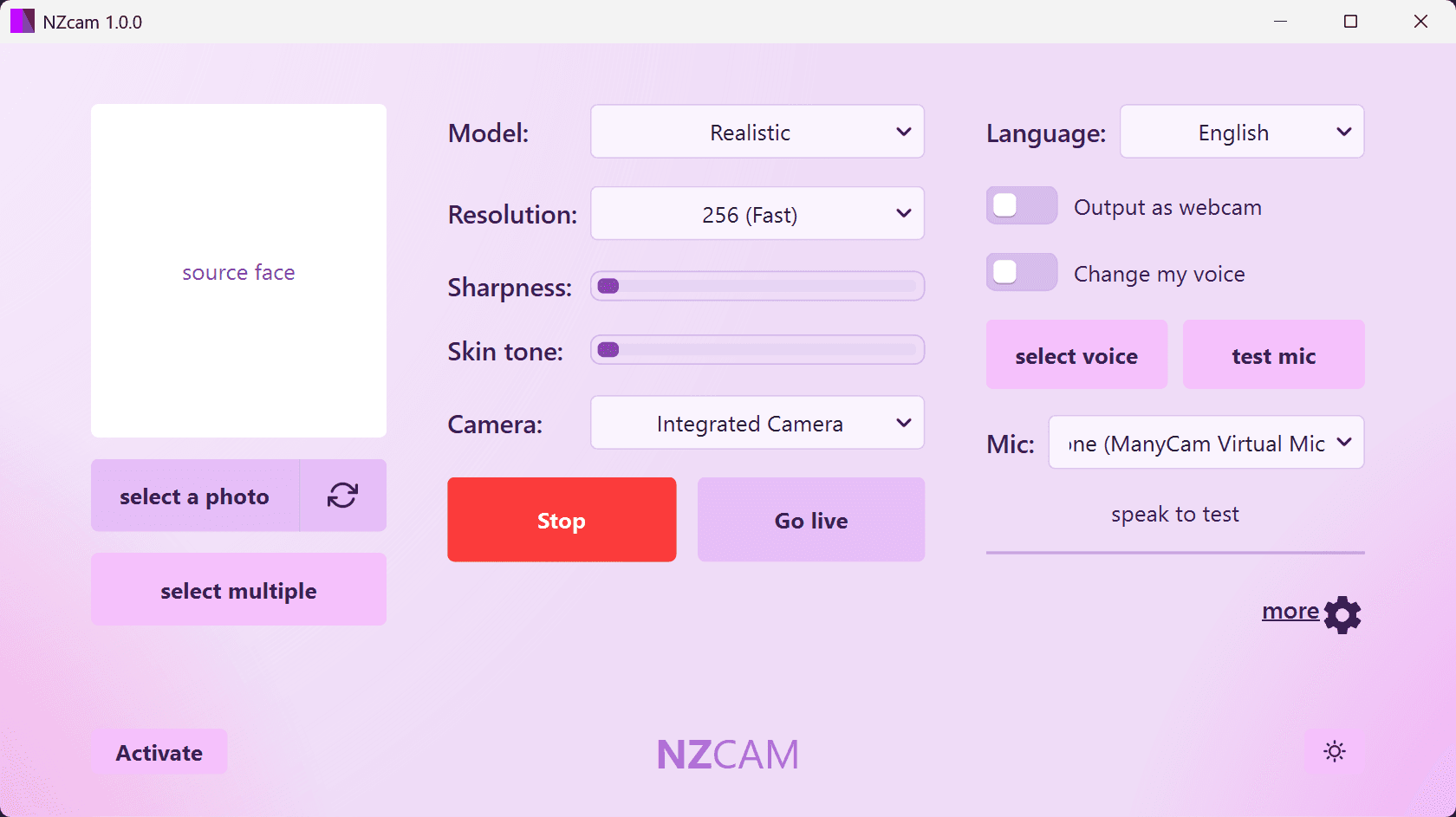
Select a photo, or pick a set of photos. No datasets, no model, no waiting.
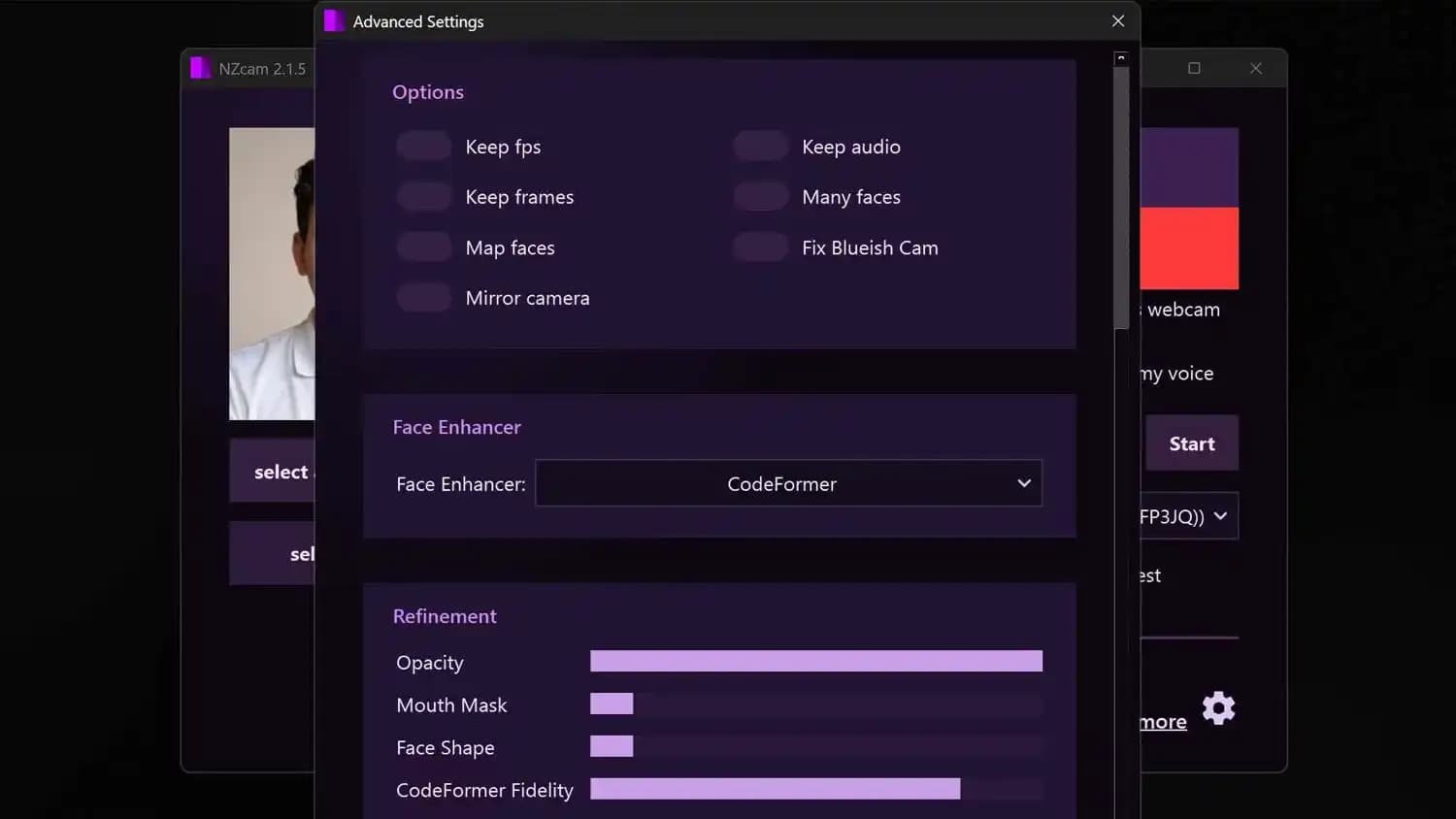
Switch models and resolution, enhance detail, restore live expressions, add anime or cinematic looks, and reshape or re-age the face, all with simple sliders.
Load a short audio clip, NZCAM maps your live speech to it in real time.
NZCAM Lite
For everyday laptops and desktops with integrated or modest graphics.
2,000 credits for the month
NZCAM
The full realism suite for high-end PCs with a dedicated GPU.
2,000 credits for the month
Every app is free to download and try. Credits are used only while you are live.
NZCAM is a real-time face swap, voice cloning and live voice translation app for desktop. It runs as a virtual camera and a virtual microphone, so a single source photo becomes a live face swap, a short audio clip becomes your cloned voice, and your speech can be translated as you talk, in any video-call, streaming or recording app.
Yes, if the app lets you pick a camera or a microphone, which almost every one does. Press Go live and NZCAM appears as a normal webcam (NZCAM) and microphone, so Zoom, Microsoft Teams, Google Meet, Discord, WhatsApp, streaming software and everything else can use it with one click. No plugin, no routing.
Yes. Pick the language you speak and the language they should hear, and NZCAM speaks the translation into the virtual microphone as you talk, in a natural voice or in your own cloned voice. It recognises 57 spoken languages and speaks 63 languages and variants.
Both, your choice. NZCAM runs on your own graphics card, or on its cloud engine, which needs no graphics card at all, so any PC, even a small, low-powered laptop, runs it perfectly. Voice translation runs in the cloud.
No. NZCAM works from a single source photo (load several to switch between on the fly), so there is no dataset to gather and no training step before you go live.
Yes. Every edition is free to download and try, with no sign-up. Plans start at US$5 a week.
Yes. The pipeline is tuned for real time, so your swap tracks your expressions live, with Fast, Balanced and Quality presets.
Yes. NZCAM's Expression Restorer carries your real blinks, smiles and micro-expressions onto the swapped face, so it stays lively and natural instead of looking frozen.
Yes. The built-in Stylize filter applies real-time anime and cartoon looks, from soft painterly styles to bold cel-shaded looks, live on your camera feed, on top of or instead of a face swap.
Load a short audio clip of the voice you want. NZCAM learns that voice from the sample, then converts your live speech into it in real time and feeds it to a virtual microphone. Clone on this PC with your own graphics card for free, or on the cloud for credits. No studio and no script to read.
Yes. The face and voice pipelines run in parallel, so your appearance and your voice are transformed together in the same live session.
Absolutely. Switch swap models and resolution, add face enhancement, restore expressions, reshape the face, adjust age, match skin tone and sharpness, and finish with cinematic colour looks, all with simple sliders.
English, Arabic, Chinese, Finnish, French, German, Hebrew, Indonesian, Italian, Khmer, Korean, Portuguese (Brazil), Russian, Spanish and Thai.
Download NZCAM, load a source photo and a voice clip, and go live with a real-time face swap and voice change. No signup to try it.
Get NZCAM